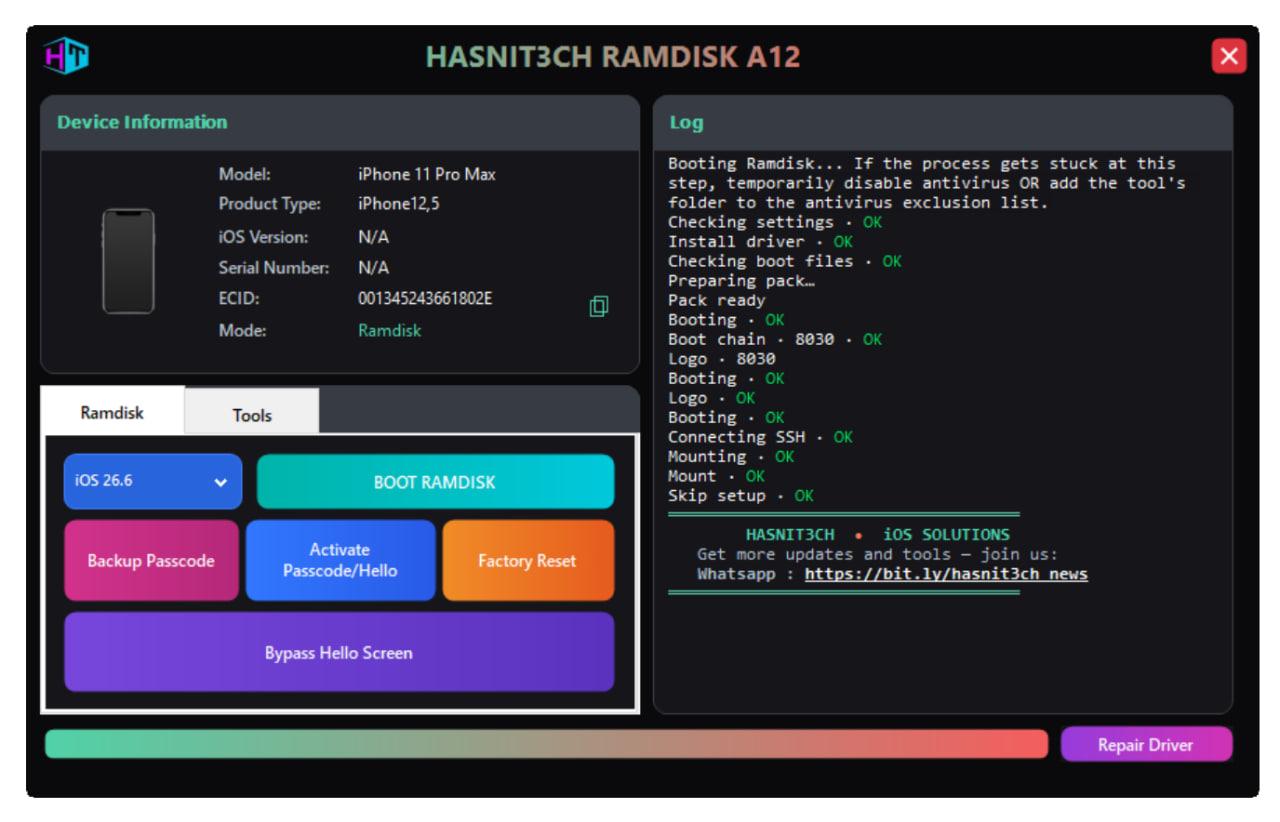

HASNIT3CH MDM( WINDOW'S )
🚀 What is MDM Lock on iOS Devices?
Mobile Device Management (MDM) is a feature that allows companies, schools, and organizations to control iPhones and iPads remotely. When a device is MDM-locked, you may see restrictions like:
-
Not being able to use certain apps
-
Forced remote management profiles
-
Limited settings and functions
-
Activation lock after reset
This can be frustrating for users who buy second-hand iPhones or iPads and find them restricted.
🔓 Why You Need an MDM Bypass Tool
If your iOS device is locked with MDM, you cannot fully use it until the profile is removed.
Our HASNIT3CH MDM (Windows) tool allows you to bypass MDM lock safely and permanently, giving you full access to your iPhone or iPad.
💡 Key Features of HASNIT3CH MDM (Windows)
-
✅ One-Click MDM Bypass: No coding, no technical skills required.
-
✅ Works on All iOS Versions: Compatible with the latest iOS and iPadOS updates.
-
✅ 100% Safe & Secure: Your data stays private, no jailbreak required.
-
✅ Windows Compatible: Just download, connect your device, and bypass MDM.
-
✅ Instant Unlock: Complete the process in minutes, not hours.
🖥️ How It Works
-
Download & Install HASNIT3CH MDM on your Windows PC.
-
Connect Your iPhone/iPad via USB cable.
-
Click Bypass MDM – the tool automatically removes the MDM lock.
-
Enjoy Full Access to your device without restrictions.
🎯 Why Choose HASNIT3CH?
-
⚡ Fastest Bypass Solution – No long waiting times.
-
🔒 Secure Unlock Process – We use trusted, tested methods.
-
🌍 Global Users Trust Us – Recommended by GSM technicians and repair experts.
-
🛠 Lifetime Updates – Stay supported as Apple releases new iOS versions.
📢 Conclusion
If you are stuck with an iPhone or iPad showing an MDM lock, HASNIT3CH MDM (Windows) is your best solution.
It’s fast, secure, easy-to-use, and fully compatible with all iOS devices.
👉 Download now and take back full control of your iOS device!